Zimbra patches are critical for security and stability, but unplanned updates can increase outage risk.
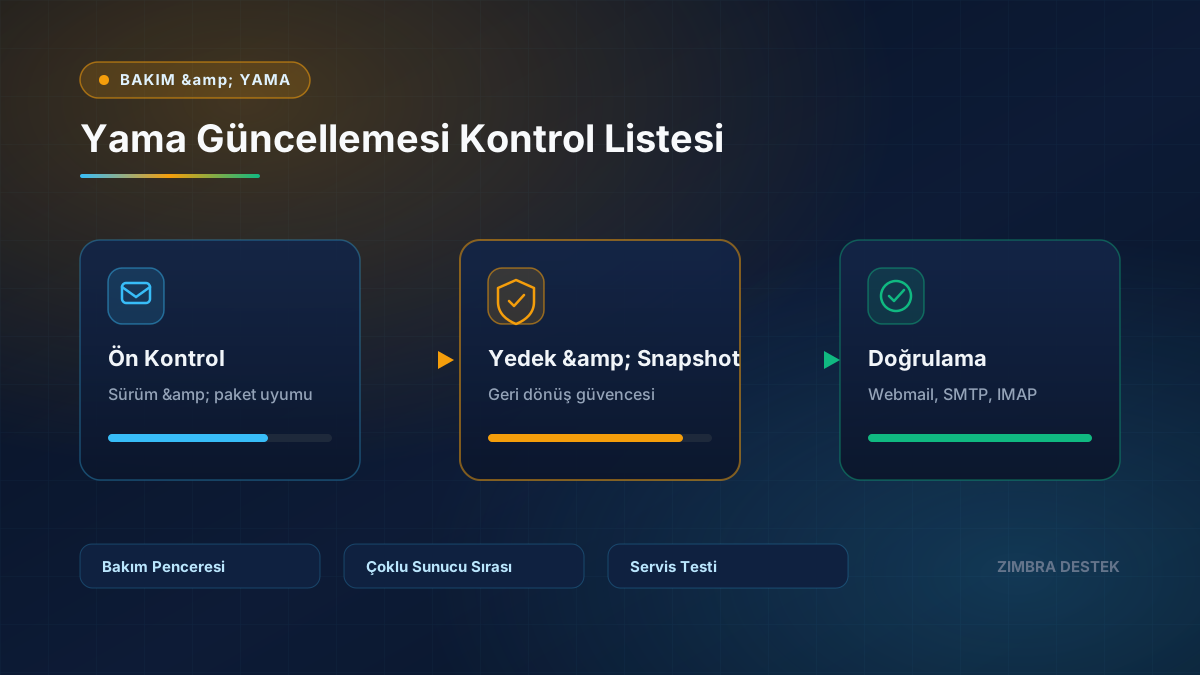
- Check current version, operating system, and package compatibility.
- Verify recent backup and rollback scenario.
- Announce the maintenance window to users in advance.
- After patching, test services, webmail, SMTP, IMAP, and mobile access.
Multi-server environments require a planned update order.
Need Expert Support for Your Zimbra Server?
Contact our team for setup, migration, SSL/TLS, performance tuning, and 24/7 SLA maintenance.