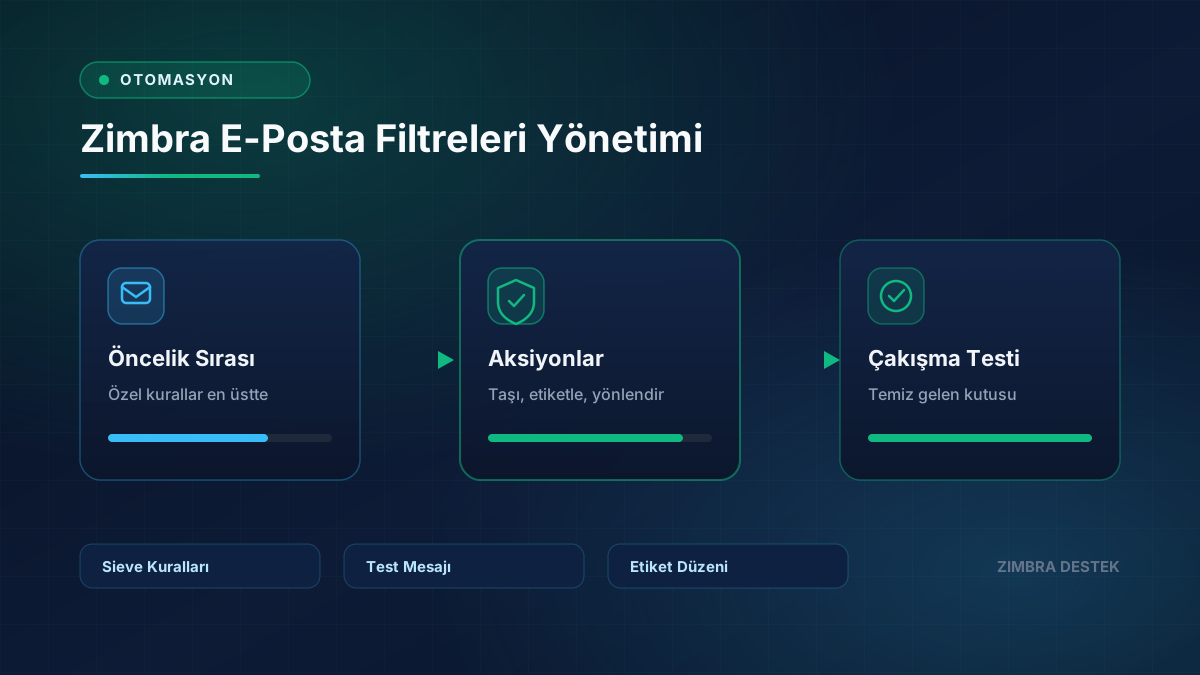
Email filters automatically organize the inbox, but incorrectly ordered rules can create unexpected behavior.
- Place the most specific rules at the top.
- Check whether multiple move or delete rules affect the same message.
- Send test messages for critical forwarding rules.
- Keep tag and folder names clear.
Disabling unused filters makes troubleshooting faster.
Need Expert Support for Your Zimbra Server?
Contact our team for setup, migration, SSL/TLS, performance tuning, and 24/7 SLA maintenance.