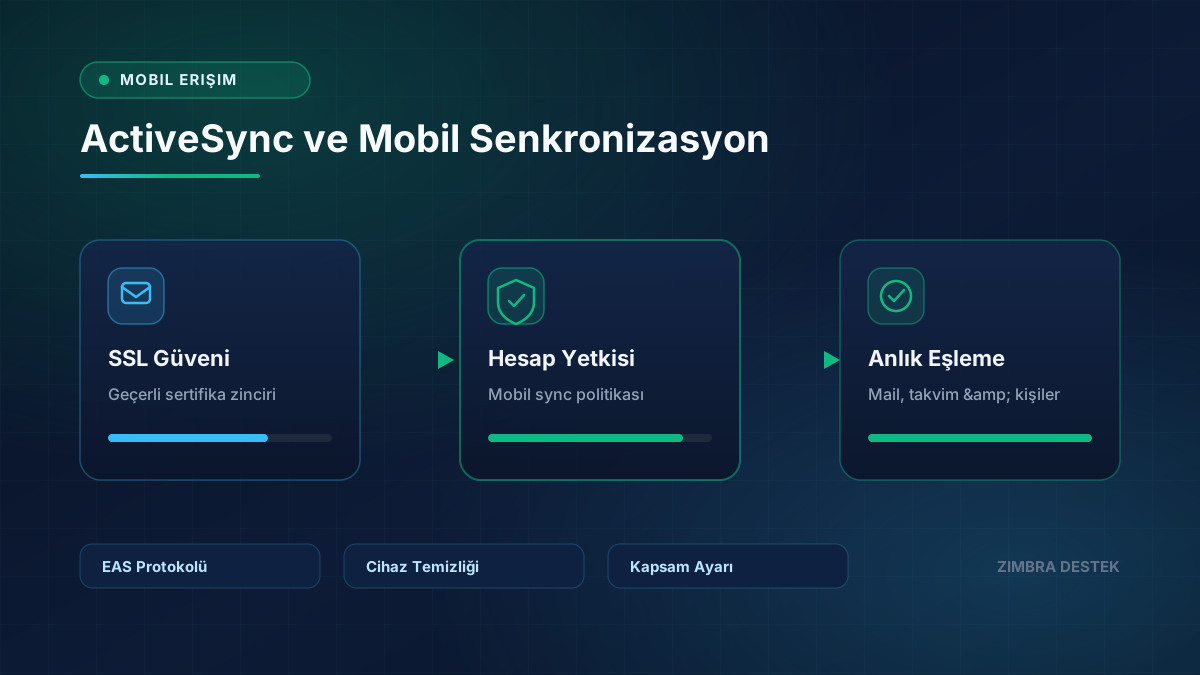
ActiveSync keeps email, calendar, and contacts synchronized on mobile devices. Most issues relate to account policy, SSL, or device-side cache.
- Confirm the SSL certificate is trusted on mobile devices.
- Verify that the user is allowed to use mobile sync.
- Remove old device partnerships.
- Check sync scope for calendar and contacts.
After setting up a new device, test mail flow, calendar invitations, and contact lookup.
Need Expert Support for Your Zimbra Server?
Contact our team for setup, migration, SSL/TLS, performance tuning, and 24/7 SLA maintenance.